
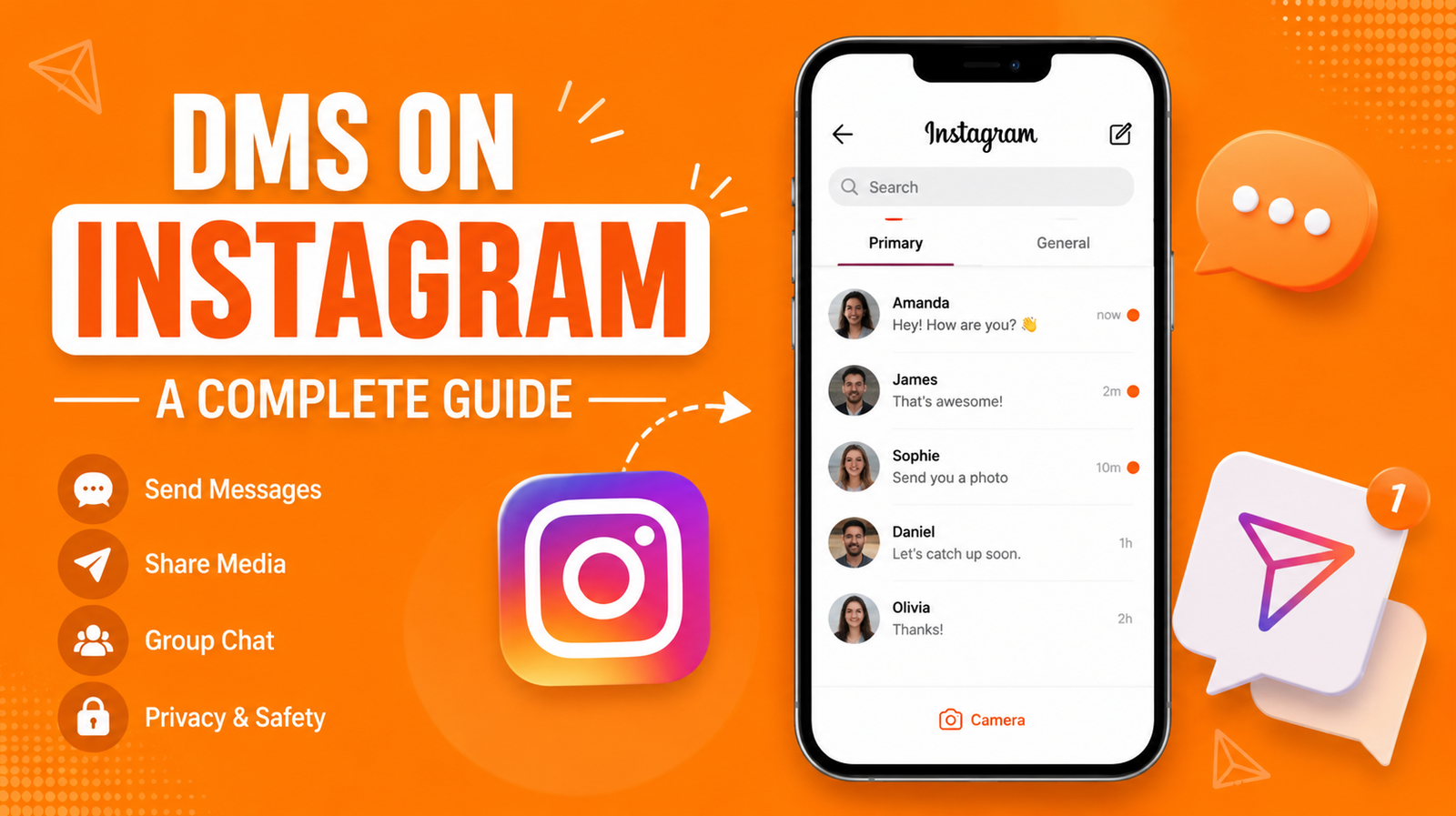
If you use Instagram, you’ve probably sent or received a DM at least once today. Maybe it was a funny reel from a friend, a question about a product, or a quick “hey, are you free later?” DMs on Instagram have quietly become one of the biggest ways people talk to each other online. In fact, for a lot of us, Instagram DM has replaced texting altogether.
But what exactly is a DM? How does the Instagram inbox work? And what’s the difference between Instagram Direct and Instagram Messenger? In this guide, I’ll walk you through everything you need to know about dms on instagram, in plain, simple language. No tech jargon, no confusing steps. Just straight answers.
Let’s get into it.
What Are DMs on Instagram?
DM stands for Direct Message. It’s a private way to send messages, photos, videos, voice notes, and even money (through gifts and shopping) to someone on Instagram without posting anything publicly. Think of it like texting, but built right into the app you already use to scroll through photos and reels.
Unlike comments or posts, which anyone can see, DMs are private conversations between you and the person (or people) you’re chatting with. You can DM one person, or you can create a group chat with several friends at once.
Meaning of DM on Instagram
The meaning of DM on Instagram is simple: it’s a private, one-on-one or group message sent through the app. When someone says “DM me,” they’re asking you to send them a private message instead of commenting publicly. It’s become such common language that people use “DM” as both a noun (“send me a DM”) and a verb (“just DM me”).
This isn’t unique to Instagram either. You’ll hear the same term on Twitter, Facebook, and other social platforms. But Instagram DM has its own personality, with features like disappearing photos, voice messages, and reel sharing that make it feel different from a regular text message.
DM Full Form in Chat
If you’re wondering about the DM full form in chat, it simply stands for “Direct Message.” That’s it. No hidden meaning, no complicated backstory. It’s called “direct” because the message goes straight to a specific person or group, rather than being posted where all your followers can see it.
Some people also search for “insya” when trying to find Instagram DM related terms, which is often just a typo or shorthand some users use when talking about Instagram in casual chats or forums.
How Instagram DM Works
Instagram DM works a lot like any messaging app you’ve used before. You open the app, tap the message icon, pick a person or group, and start typing. But under the hood, there’s a bit more happening.
Every message you send gets encrypted and delivered almost instantly. You can see when someone has read your message (unless they’ve turned that feature off), and you’ll get a notification when someone messages you back. The whole system is built to feel fast and easy, so you’re not waiting around wondering if your message went through.
Instagram Direct Message vs Instagram Direct
You might notice that people use “Instagram Direct Message” and “Instagram Direct” almost interchangeably. That’s because they mean the same thing. “Instagram Direct” is just the shorter, official name Instagram uses for its messaging feature. So whether you call it Instagram Direct, Instagram DM, or Instagram Direct Message, you’re talking about the exact same tool.
This can get a little confusing for new users, especially since Instagram doesn’t always use consistent naming across its app and website. But once you know they’re the same thing, it makes navigating the app a lot easier.
Where to Find Your Instagram Inbox
Your Instagram inbox is where all your DMs live. It’s easy to find, even if you’ve never used it before.
On your phone, open the Instagram app and look at the top right corner of your home screen. You’ll see a small icon that looks like a paper airplane. Tap that, and you’ll land right in your inbox. From there, you can see all your current conversations, message requests from people you don’t follow, and a search bar to find specific chats.
If you’re using Instagram on a desktop browser, the messaging icon is usually in the same spot, near the top of the screen. Clicking it opens your inbox in a sidebar or a separate window, depending on how you’re accessing the site.
IG Messenger Explained
Some people call the Instagram inbox the “IG Messenger,” even though that’s not its official name. This nickname comes from how similar the feature feels to Facebook Messenger, since both apps are owned by Meta and share some backend technology.
While IG Messenger isn’t an official term Instagram uses, it’s a common way people describe the messaging tool, especially when talking casually with friends or searching online for help with DMs.
How to Send a DM on Instagram
Sending a DM is one of the easiest things you can do on Instagram. Here’s how it works, step by step:
First, tap the paper airplane icon in the top right corner of your screen. Next, tap the pencil or plus icon to start a new message. Then, search for the person’s username and select them. Finally, type your message and hit send.
That’s really all there is to it. You can also send a DM directly from someone’s profile by tapping the “Message” button, or from a post or reel by tapping the paper airplane icon underneath it and choosing who to send it to.
Sending Photos and Videos in DMs
Instagram DM isn’t just for text. You can send photos, videos, voice notes, GIFs, stickers, and even your location. To send a photo or video, tap the small camera or gallery icon inside the chat box. From there, you can either take a new photo on the spot or choose one from your phone’s gallery.
You can also send disappearing photos and videos, which the other person can only view once (or a limited number of times) before they vanish. This feature is popular for casual, quick sharing where you don’t need the photo to stick around forever.
IG In Chat Features You Should Know
Instagram has packed a lot of small but useful features into its chat system, often called “ig in chat” tools by users searching for help online. These little extras make conversations feel more personal and fun.
Reactions, Voice Notes, and More
You can react to any message with an emoji by simply double-tapping it or holding it down and picking a reaction. This is a quick way to respond without typing anything out.
Voice notes are another handy feature. Instead of typing a long message, you can hold down the microphone icon and record your voice. This is great for when typing feels like too much work or when you want to explain something that’s hard to put into words.
Other useful in-chat features include:
- Sending disappearing photos and videos
- Sharing your live location temporarily
- Creating polls inside a chat
- Setting custom chat themes and colors
- Muting notifications for specific conversations
- Pinning important messages to a chat
These features are all designed to make Instagram Direct feel less like a basic messaging app and more like a full communication hub.
Instagram Direct Message vs Instagram Messenger
People often mix up Instagram’s DM feature with Facebook Messenger, since both are owned by Meta. While they’ve shared some features in the past, they’re still two separate tools. Here’s a quick comparison to clear up the confusion.
| Feature | Instagram Direct Message | Facebook Messenger |
|---|---|---|
| Platform | Built into the Instagram app | Separate standalone app |
| Primary Use | Messaging within Instagram | Messaging within Facebook and beyond |
| Story Replies | Yes, built in | No, not applicable |
| Disappearing Media | Yes | Limited |
| Voice/Video Calls | Yes, within DMs | Yes, within Messenger |
| Group Chats | Yes | Yes |
| Shopping Integration | Yes, tied to Instagram Shop | Limited |
As you can see, while the two apps share some similarities, Instagram DM is more tightly built around photos, reels, and the overall Instagram experience.
dms on instagram
So, let’s directly answer the big question a lot of people search for: dms on instagram — what are they, really, and why do so many people rely on them daily?
At its core, DMs on Instagram give you a private, flexible way to talk to people without needing their phone number or a separate messaging app. Businesses use them to answer customer questions. Friends use them to share memes and plan hangouts. Creators use them to connect with fans. And couples, families, and coworkers use them just to stay in touch throughout the day.
The reason DMs have become so popular is convenience. You’re already on Instagram scrolling through your feed, so it makes sense to message people right there instead of switching apps. Combine that with fun features like voice notes, stickers, and disappearing photos, and it’s easy to see why Instagram DM has become such a big part of daily communication for millions of people.
Privacy and Safety Tips for Instagram DMs
While DMs are private, that doesn’t mean they’re always risk-free. It’s smart to know how to protect yourself while using Instagram Direct.
First, be careful about accepting message requests from strangers, especially if they’re asking for personal information or sending suspicious links. Second, remember that screenshots can still be taken of your messages, even disappearing ones in some cases, so think before sending anything you wouldn’t want saved. Third, use Instagram’s built-in privacy settings to control who can message you directly and who has to send a request first.
Managing Message Requests
When someone who doesn’t follow you sends a DM, it usually lands in your “Requests” folder instead of your main inbox. This gives you a chance to review the message before deciding whether to respond, ignore it, or block the sender.
You can find this folder by tapping the paper airplane icon and then looking for “Requests” near the top of your inbox. It’s a simple but effective way to filter out spam, unwanted messages, or anything that feels off.
Common Instagram DM Terms
If you’re new to Instagram or just want to understand the lingo better, here’s a simple breakdown of common terms related to DMs.
| Term | What It Means |
|---|---|
| DM | Direct Message, a private message sent on Instagram |
| Instagram Inbox | The section where all your DMs are stored |
| Message Request | A DM from someone who doesn’t follow you |
| Vanish Mode | A chat setting where messages disappear after being seen |
| IG Messenger | A casual nickname for Instagram’s DM feature |
| Group DM | A private chat between three or more people |
| Read Receipt | A notification showing your message has been seen |
Knowing these terms makes it a lot easier to understand tutorials, help articles, and even casual conversations about how Instagram works.
Troubleshooting Common DM Issues
Sometimes DMs don’t work the way they should. Maybe a message won’t send, or you’re not getting notifications. These issues are usually easy to fix.
Why Aren’t My DMs Sending?
If your DMs aren’t sending, the first thing to check is your internet connection. A weak or unstable connection is the most common reason messages get stuck. Next, try closing and reopening the app, since Instagram sometimes needs a quick restart to work properly again.
If that doesn’t help, check whether Instagram has an ongoing outage. This happens occasionally, and it usually resolves itself within a few hours. You can also try logging out and back into your account, or updating the app if you haven’t done so recently.
Notification problems are usually tied to your phone’s settings rather than Instagram itself. Double check that notifications are turned on for the app, both in your phone’s settings and within Instagram’s own notification preferences.
Final Thoughts on Instagram DMs
Instagram DM has grown into so much more than a simple messaging feature. It’s become a space for friendships, business conversations, customer support, and everyday chit chat. Whether you’re sending a quick voice note, sharing a funny reel, or asking a brand about their latest product, DMs make it all possible without ever leaving the app.
Understanding how the Instagram inbox works, what terms like DM and IG Messenger actually mean, and how to keep your conversations private and safe will help you get the most out of the platform. Instagram keeps adding new features to its messaging system, so it’s worth checking back occasionally to see what’s new.
At the end of the day, DMs are just a simple, convenient way to connect with people. And now that you know exactly how they work, you’re ready to use them with confidence.